A customer drives across town, pulls into your lot, and finds the door locked because Google said you were open. Or they never come at all, because Google said you were closed. Wrong hours on a Google Business Profile cost you customers in a way you rarely hear about, and the problem has a habit of coming back after you fix it.
Here is how to fix your hours properly, why they keep changing, and how to make the fix stick.
Fix the hours on the profile first
- Sign in to the Google account that manages your Business Profile. If you are not sure which account that is, jump to the section on getting access below.
- Search Google for your business name. When you are signed in with an account that manages the profile, the editing tools appear right in the search results. You can also edit the profile from Google Maps.
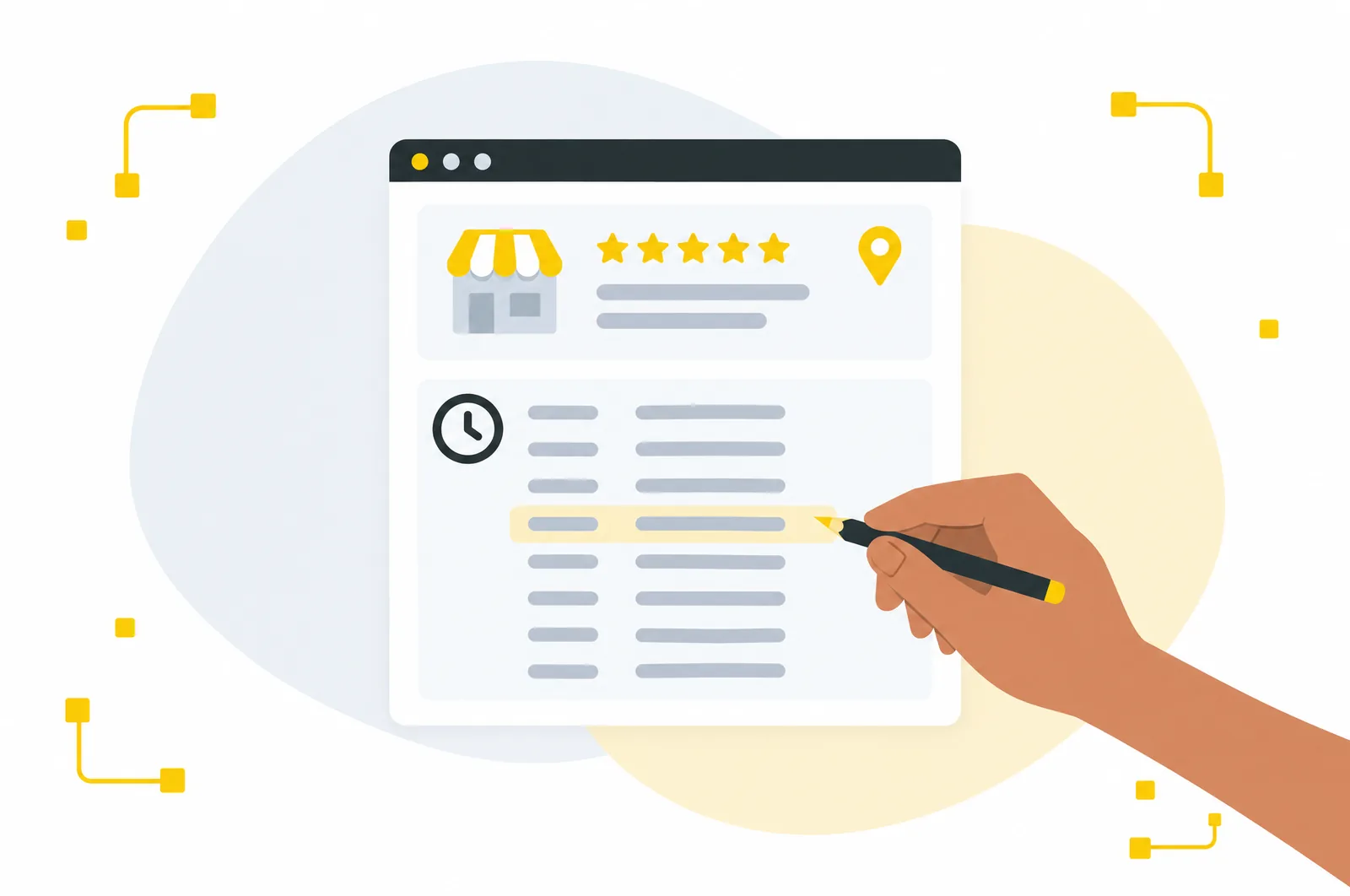
- Open the hours section and set your regular hours for each day. Use split hours if you close in the middle of the day, mark the days you are closed, and only choose open 24 hours if it is actually true.
- Save, then give it time. Edits can go through a review before they show publicly. Making the same change over and over while you wait does not speed it up.
Set special hours before every holiday
Regular hours cover a normal week. Special hours cover the exceptions: holidays, inventory days, a private event, or the day a nor'easter shuts everything down. If you do not set them, Google may warn searchers that your hours might differ, or show your normal hours on a day you are closed.
Set holiday hours as soon as you know your schedule, and watch for the prompts Google sends before major holidays. Rhode Island adds a day that catches people out: Victory Day in August, when state offices close and plenty of local businesses change their hours.
Use more hours for the parts of your business that run differently
Depending on your category, Google lets you add separate hours for things like takeout, delivery, a kitchen that closes before the bar, a drive through, senior hours, or appointment only times. If your front door and your phone lines keep different schedules, this is where that belongs. Restaurants in particular should be using it.
Why Google keeps changing your hours
Google updates your profile from other sources
Google gathers information about your business from across the web and from people using Maps. When it decides something on your listing looks out of date, it can change the profile and flag the change for you to review. If nobody at your business reviews those updates, they stand.
Customers suggest edits
Anyone can suggest an edit to a business on Google Maps. Most suggestions are well meaning, and some are simply wrong. A customer who showed up during a holiday closure can suggest that you close earlier every day.
Your hours disagree with themselves across the web
This is the cause we run into most. The profile says one thing, the website footer says another, the Facebook page still has last summer's schedule, and an old directory listing has the hours from before you changed them. Google sees conflicting information and has to guess which version is right.
There is more than one listing
Duplicate listings show up after a move, after a name change, or when someone created a profile years ago and forgot about it. Two listings with two sets of hours confuse customers and Google alike.
How to make the fix stick
- Review Google's updates regularly. Check the profile for changes Google made, and accept or correct each one.
- Match your hours everywhere. Your website, Facebook, Instagram, Yelp, Apple Business Connect, Bing Places, and any industry directories should all say the same thing, down to the minute.
- Put your hours on your website as real text, not only inside an image, and include them in your site's structured data so search engines can read them directly.
- Set special hours before each holiday, not the morning of.
- Announce seasonal changes in more than one place. A post on your Business Profile and a line on your website both reinforce the new schedule.
- Find and report duplicate listings. Search Google Maps for your business name and your phone number, and report any duplicates you find.
If you cannot get into your profile
This happens more than you would think. The profile was set up by a former employee, a previous marketing company, or a relative who helped out years ago. From your own Google account, you can request access to the profile, and whoever manages it now gets a window to respond. If nobody does, Google may let you verify the business and take it over.
Once you are in, make sure the main account on the profile belongs to someone inside your business. Any agency or vendor you work with should be added as a manager, never handed the top level of access.
Why accurate hours matter more than they used to
Hours are not only read by people browsing Google. Google Maps, Siri, and AI assistants like Gemini and ChatGPT answer "is this place open right now" from the same public information. Wrong hours in one place get repeated everywhere those tools look, and accurate information is part of getting recommended by AI assistants too.
When to hand it off
If you are fixing the same listing every month, or your business has more than one location, profile management is worth handing to someone else. It is part of the local SEO and reputation management work we do for Rhode Island businesses every month, and our local SEO guide covers the rest of the profile. Call us at (401) 339-4155 and we will take a look at yours.